

Creating a BRM machine in LightBurn (2.0 and above)
Written explainer:
Section titled “Written explainer:”BRM Is a partner of LightBurn, the vendorpackage is downloadable here: Download
if you drag and drop the BRM package into LightBurn, the bundle selector will show up.
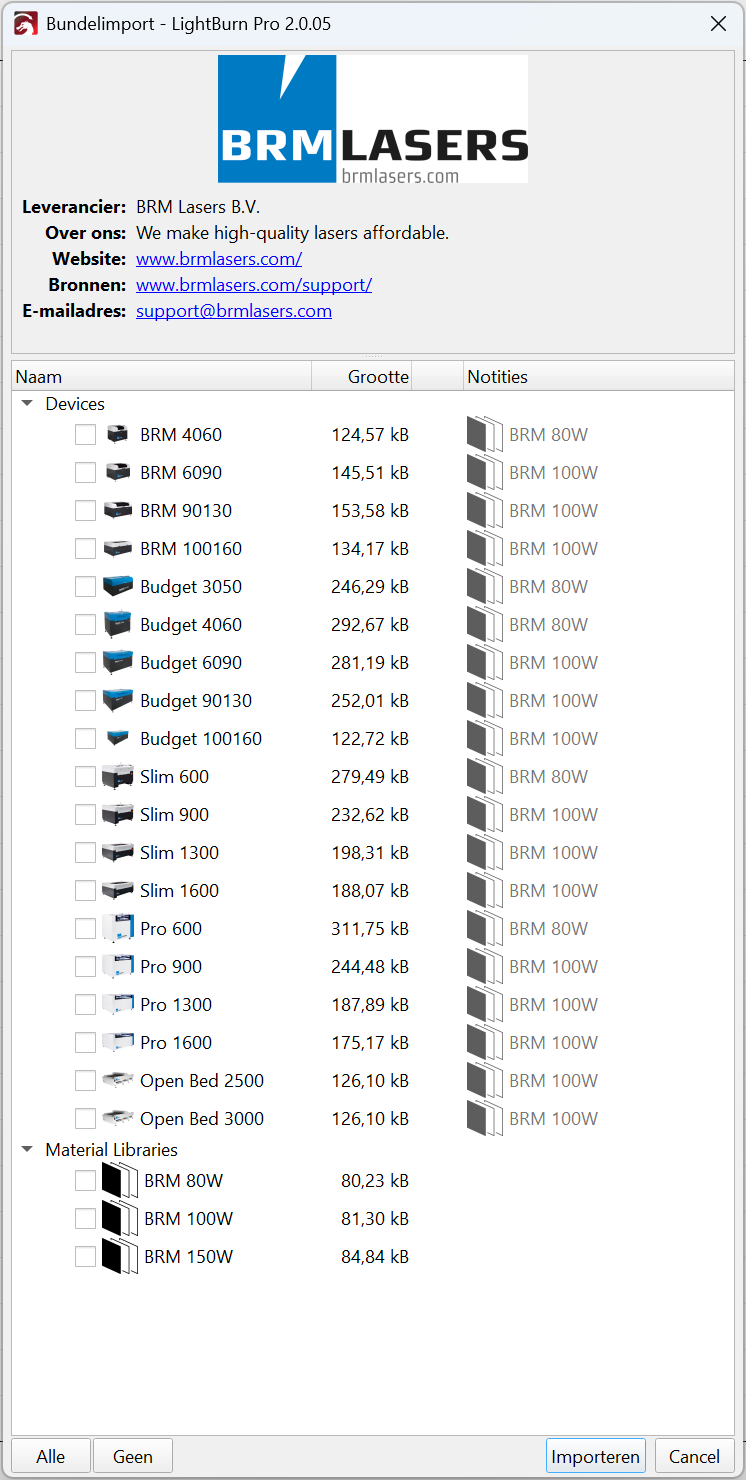
Choose the machine model(’s) you have by checking the boxes in front of the machine names. Then choose the material libraries of the laserpowers you have.
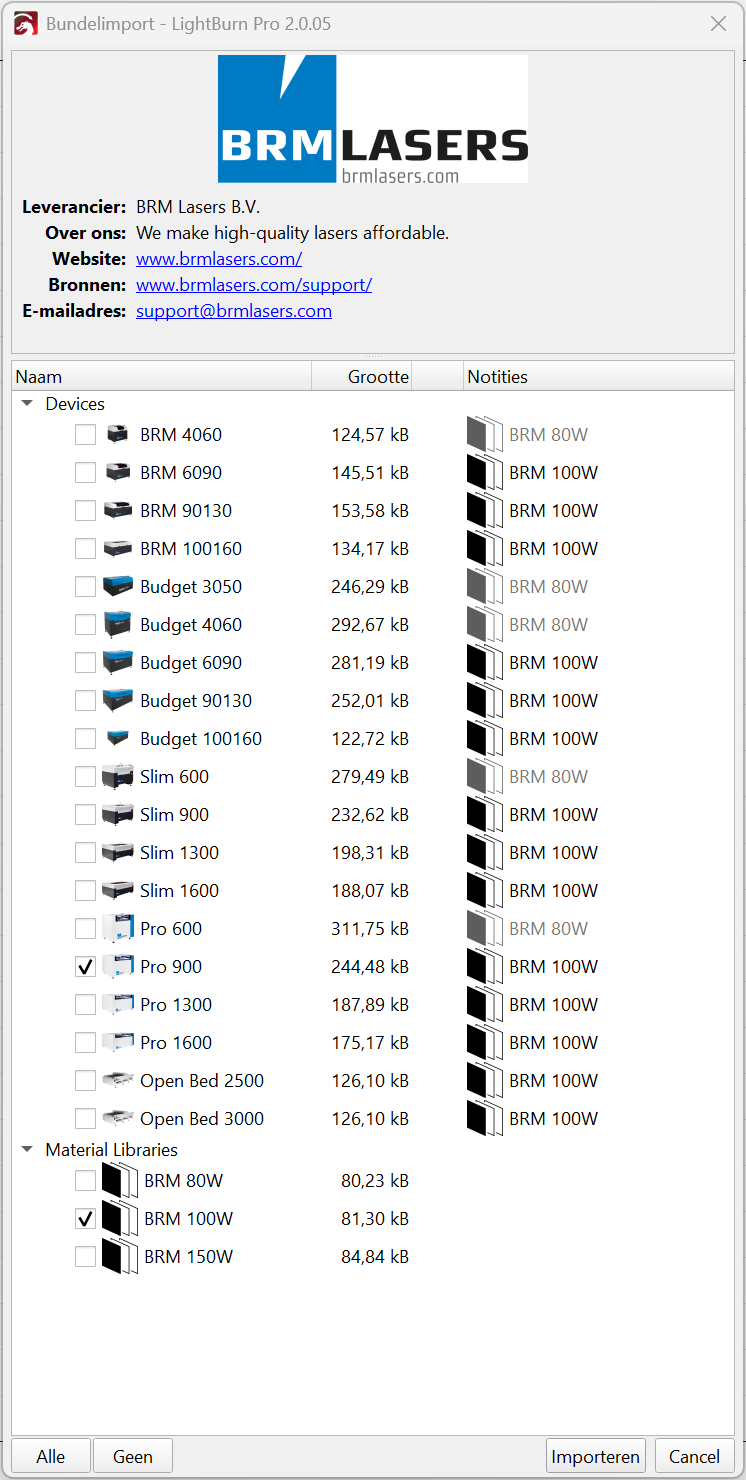
Then press the import button.
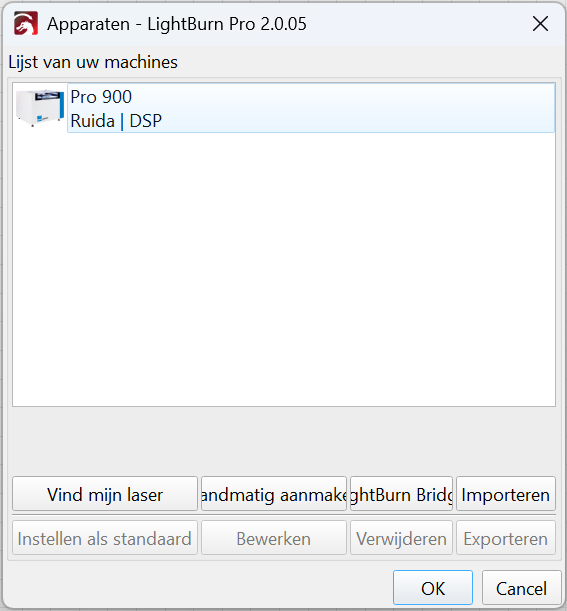
LightBurn will now show the machine in the machine list.
press okay.
Now you can use the machine in LightBurn.
Video explainer:
Section titled “Video explainer:”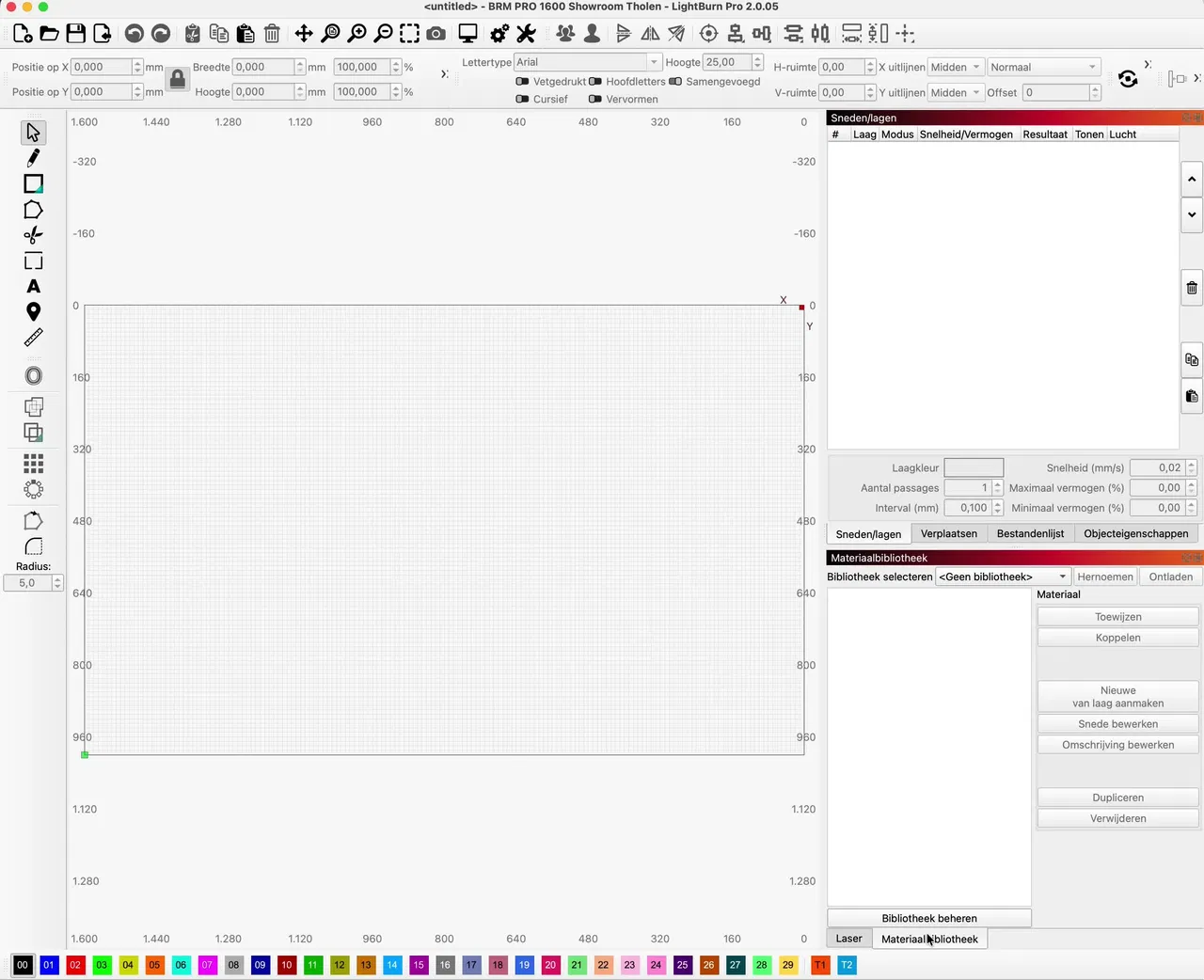
If you have any questions, you can always send us a ticket.